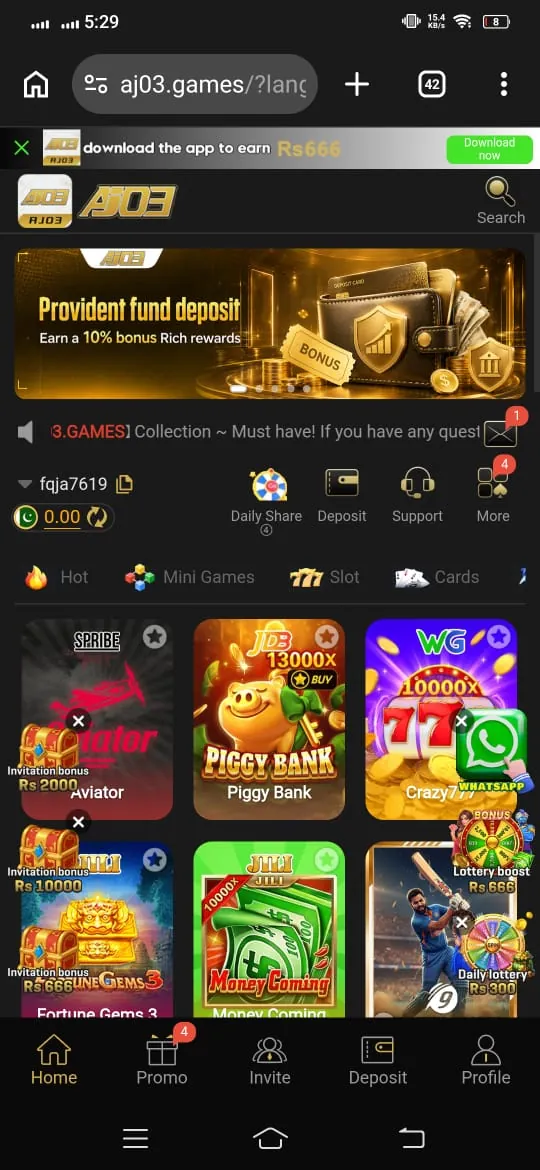
How to Download AJ03 Game APK?
Official Android Installation Guide
Install the authentic AJ03 gaming app directly from the official website with step-by-step guidance for Android permissions and setup.
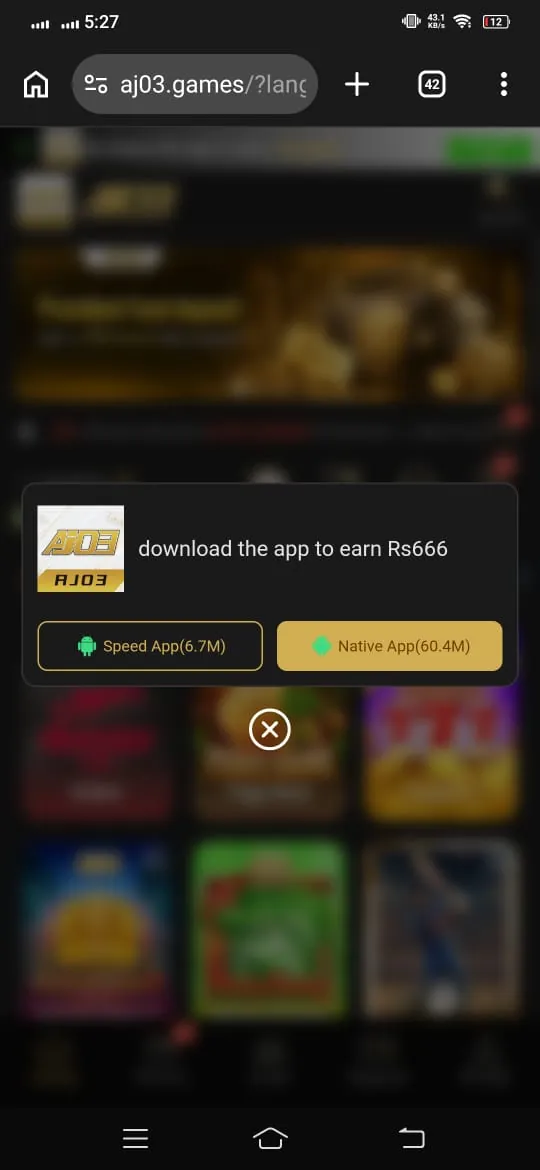
Visit the Official Website
Since the app is not listed on Google Play Store, users need to access the official website to find the APK file. Open a trusted mobile browser and search for the authentic AJ03 download page before starting the installation.
- Enter the official website address carefully (https://aj03.org/).
- Locate the download section on the homepage.
- Check the website details to avoid fake or copied pages.
- Select the APK download button when you are ready.
Enable Unknown Sources
Android devices normally restrict installations from sources outside the Play Store. Before opening the APK file, users may need to allow installation permissions for the browser or file manager being used.
- Open your phone settings.
- Select the security or privacy section.
- Find the Install unknown apps option.
- Allow permission for your selected browser.
Download and Save the File
After enabling the required permission, tap the download button and allow the APK file to finish downloading. The download time can depend on your internet connection and file size. Once completed, the file will normally be available in your phone's Downloads folder.
- Tap the download button and wait for the process to complete.
- Check the notification panel for download progress.
- Open the Downloads folder to locate the APK file.
- Remember where the file is saved for the installation step.
How to Install AJ03 App
Locate the Downloaded File
After downloading the APK, open the file manager on your Android phone and enter the Downloads folder. Find the AJ 03 APK file that was recently saved on your device. The filename should contain “Aj 03” and have the “.apk” extension. Tap the file to start the installation process.
Install the Application
An installation window will appear and may display the permissions requested by the application. Review the information carefully before continuing, then select the install option. The installation usually takes only a short time, depending on your device. Avoid closing the screen or interrupting the process while the application is being installed.
Launch the Game
When the setup is complete, an “Open” button will appear on the installation screen. Tap it to start the application immediately. The aj03 game icon should also become available through your home screen or app drawer. You can then proceed with account registration and explore the available features.